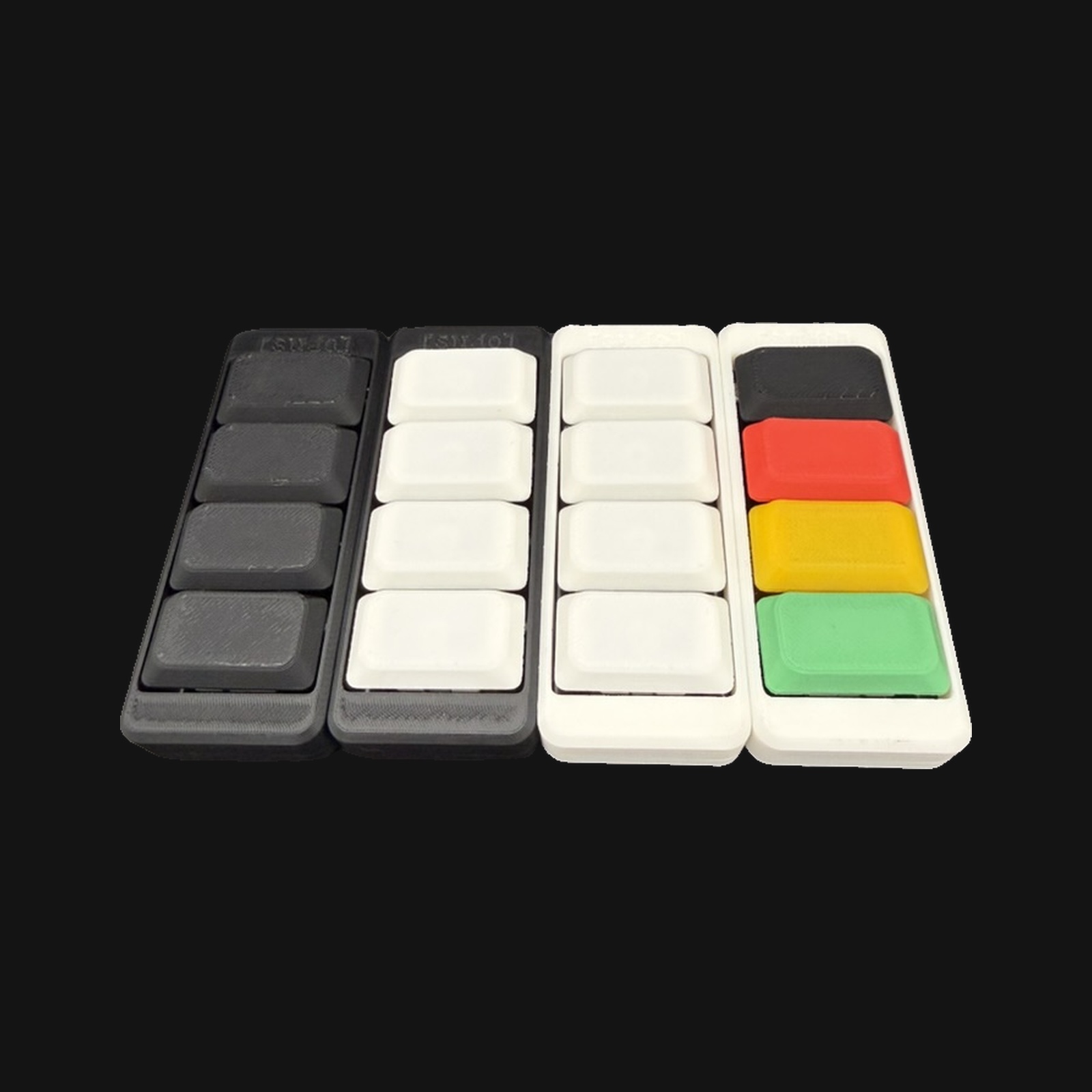
Press
buttons
on purpose.
A four-key macro pad for people who use AI agents and want a physical command line. Open hardware. Hand-assembled. $40.
$ curl -fsSL sudo.supply/install | sh :)
Capabilities
Designed for engineers who care about their inputs.
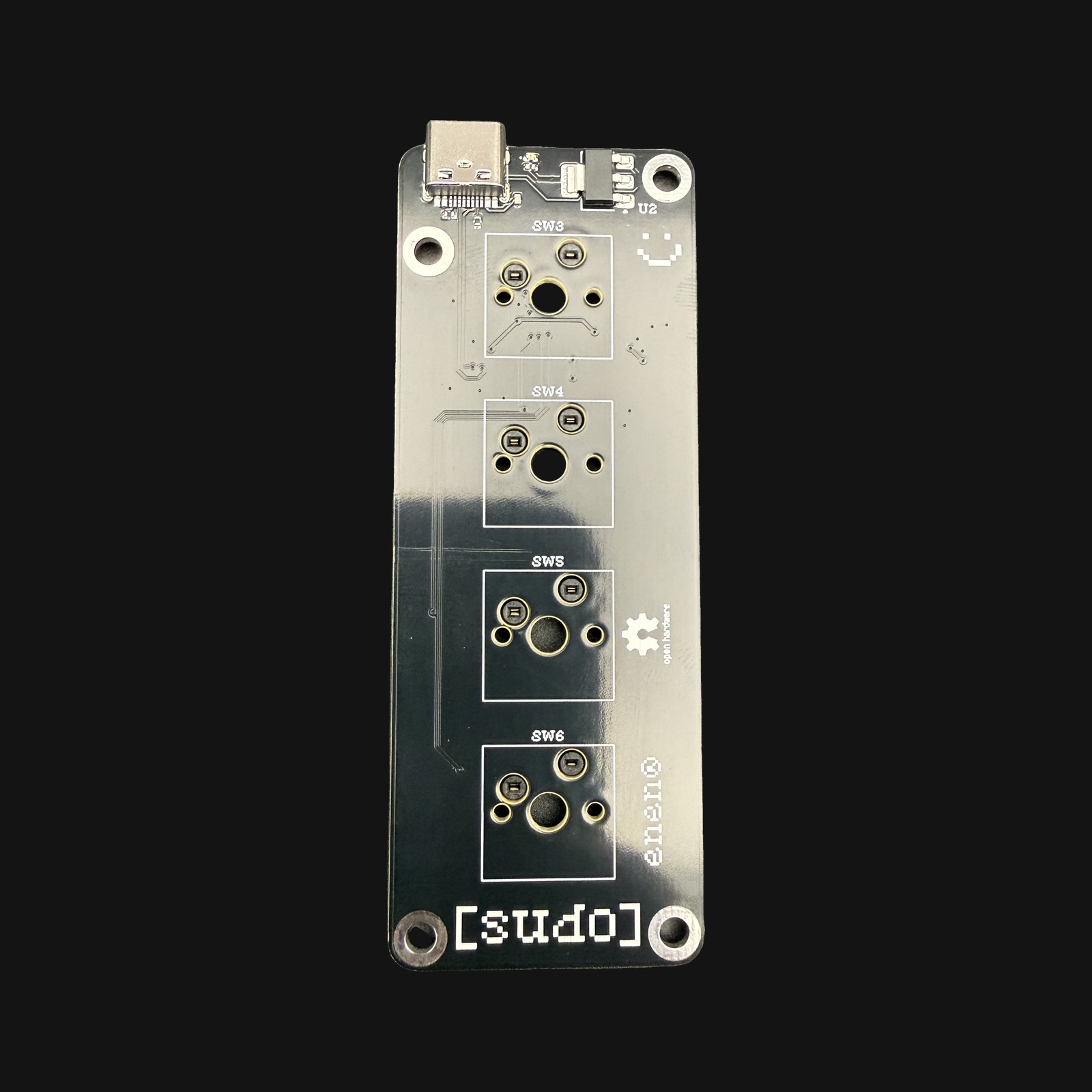
Open hardware
Schematics, firmware, app. All on GitHub.
KiCad source, QMK firmware, and the cross-platform companion app. Fork and remix.
★ 1· 2 contributors
The companion app
macOS today.
Native menu-bar app for macOS. Works with Claude, ChatGPT, and Grok. Windows & Linux coming soon.
<1ms
Key-to-event latency over USB-HID
QMK · VIA · Vial
Remap live without reflashing.
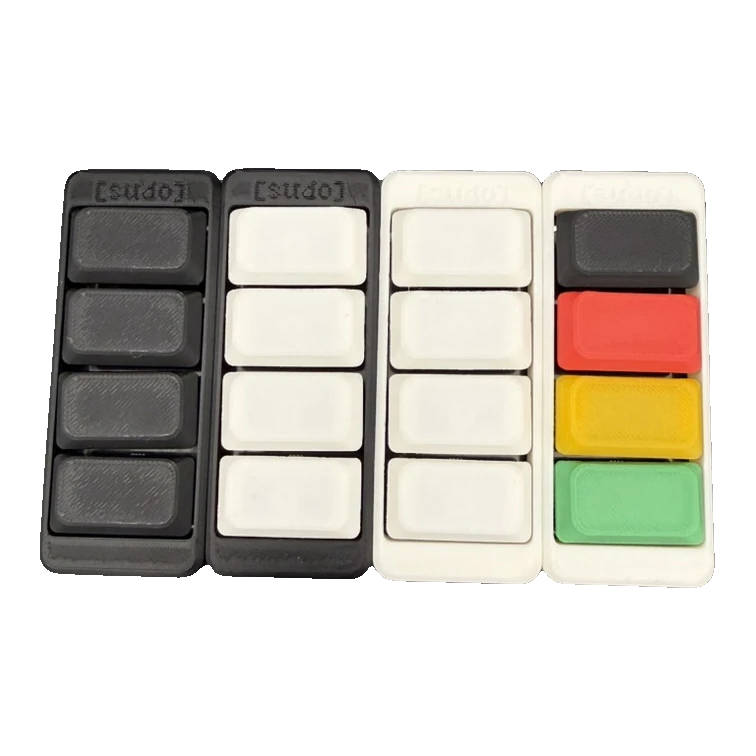
Mix & match
Pick a vibe.
$ sudo profiles --auto
One pad that knows what you're in.
The app detects the window in front of you and remaps the four keys — Claude, Cursor, the terminal, VS Code, Discord. Same buttons, different job. Switch apps and watch.
Open full screen$ active window → claude.ai · desktop · detected via accessibility tree
same four keys. the app decides what they do.
Pick yours.
Browse the shop →